
How Airbnb Dynamic Pricing Works | October 2026
Airbnb Smart Pricing is free, but it may be quietly underpricing your luxury property. See where its blind spots are, how third-party tools compare, and how to set rates across every channel without risking a double booking.
Setting a fixed nightly rate and hoping it holds through peak weekends, slow midweeks, and last-minute gaps rarely works out. Airbnb's built-in Smart Pricing automates the adjustments for you, but it has some well-known blind spots, especially for new listings and higher-end properties. Here's what's actually happening under the hood and how to fill in the gaps.
TLDR:
- Automated rate pricing captures 10 to 40% more revenue than static pricing by adjusting rates to real-time demand
- Airbnb Smart Pricing is free but only sees Airbnb data and often prices new listings 20 to 30% below market
- Third-party tools like PriceLabs ($19.99/month) pull multi-channel signals and detect event demand faster
- Automating across channels requires both a pricing tool and a channel manager to avoid double bookings
- Andora includes automated rate management across five channels at no cost for qualifying luxury properties
What Is Automated Pricing for Airbnb?
Automated pricing is the practice of automatically adjusting your nightly rate based on real-time market conditions instead of setting one fixed price. Demand moves constantly, driven by local events, seasonality, competitor availability, and booking pace, and your rate should move with it.
For Airbnb hosts, your price on a Friday in October during a local festival could look very different from the same Friday in February. Vacation rental automated pricing captures 10-20% more revenue than static pricing by catching those high-demand windows before they pass.
How Airbnb Smart Pricing Works
Airbnb's Smart Pricing is a built-in tool that automatically adjusts your nightly price for your area. You set a minimum and maximum, and Airbnb's algorithm moves your rate within that range using hundreds of signals about your listing and local market.
Those signals include seasonality, nearby competitor availability, local events, and how quickly similar listings are booking up. You keep control through your price floor and ceiling, and you can override any specific date without disabling the feature entirely.
How to Override Smart Pricing Without Turning It Off
You can override any single date with a custom price and leave Smart Pricing running everywhere else. Airbnb uses your rate for that night only, then resumes its adjustments for the rest of the calendar. This is useful for holidays, private events, and peak weekends when you know your property will command more than the algorithm suggests.
Worth knowing: weekly, monthly, or early-bird discounts apply on top of Smart Pricing's suggested rate, which can push your effective price below your minimum floor. Check your net rate after discounts before running both simultaneously.
Key Factors That Drive Automated Pricing on Airbnb
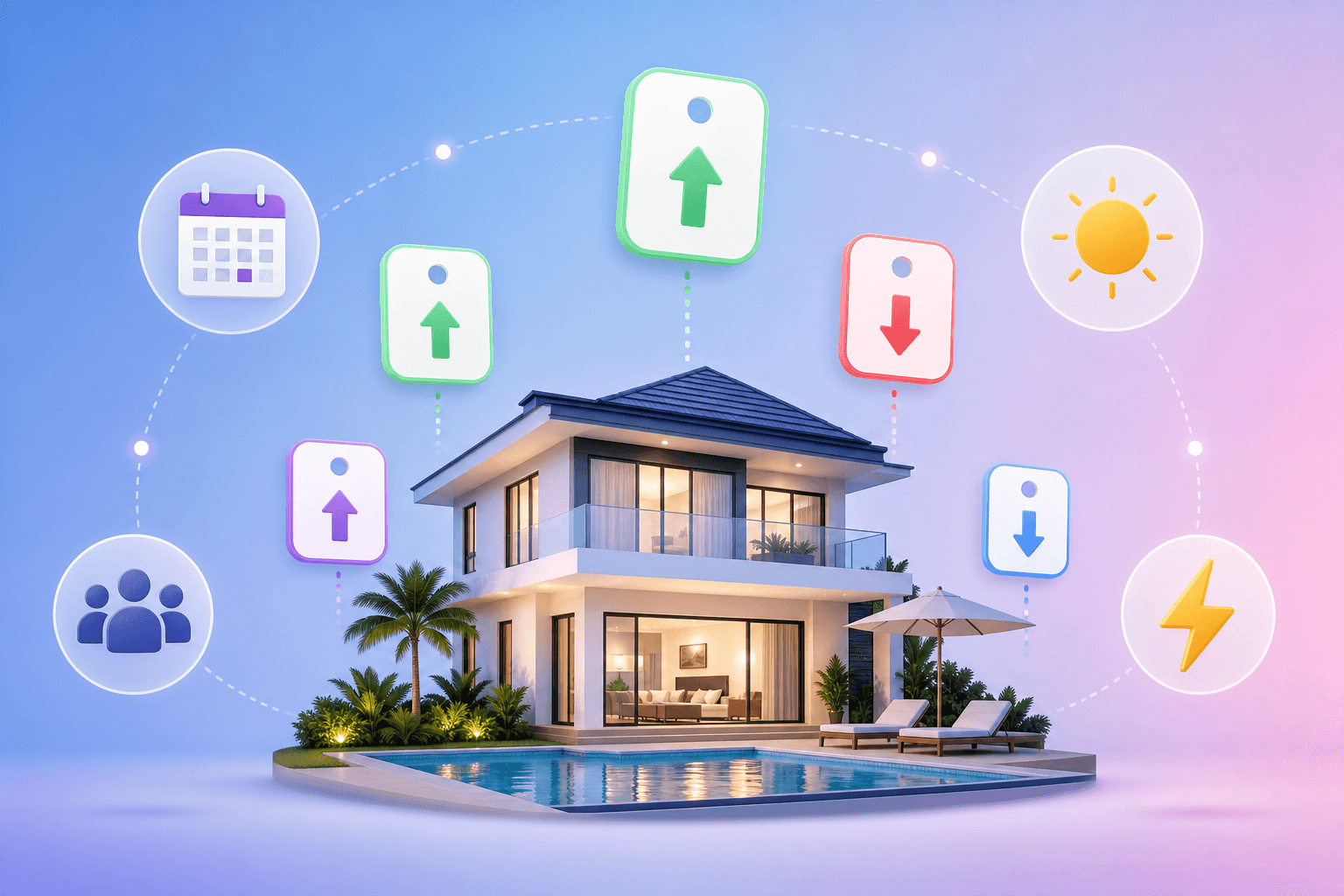
Whether you use Smart Pricing or a third-party tool, the same underlying signals move your rate. Knowing what they are helps you set better floors, spot anomalies, and override with confidence.
- Seasonality: peak travel months push demand up across an entire market, including your listing and every competitor around it
- Day of week: Fridays and Saturdays command premiums in most markets; midweek rates drop to fill gaps
- Local events: concerts, conferences, and sports draws spike demand for a narrow window, sometimes weeks out
- Booking lead time: last-minute availability often triggers a discount; far-out dates may price high until demand confirms
- Competitor rates: if similar listings nearby drop prices, algorithms tend to follow
- Your listing's booking pace: if your calendar fills faster than comparable properties, pricing models read that as a signal to push rates higher
- Listing quality signals: review score, response rate, and photo quality influence how aggressively a tool will price you above the market baseline
When Airbnb Smart Pricing Falls Short
Airbnb's Smart Pricing relies heavily on booking history. New listings have almost none, so the algorithm defaults conservative, often pricing below what the market would actually bear. Hosts on Reddit frequently report rates sitting 20 to 30% under comparable listings in the first few weeks, simply because Smart Pricing has no confidence signal to work with yet.
The opposite problem hits mature listings during slow periods: Smart Pricing can fail to drop fast enough to fill gaps, especially around last-minute availability windows or sudden dips in local demand.
There are a few other structural gaps worth knowing about:
- Event-driven demand often registers too late. A conference or festival that spikes demand for one weekend may not appear in Smart Pricing's model until the premium window has already passed. Third-party tools that track live booking velocity tend to catch these earlier.
- Luxury properties get pushed toward the wrong price point. Smart Pricing is built around volume and competition, which pulls rates toward whatever nearby listings charge. For a high-end property, matching mid-tier comps undercuts positioning and attracts the wrong guests instead of filling the calendar faster.
How to Set the Right Base Price Before Activating Automated Pricing
Your base price is the anchor every automated adjustment builds from. Set it too low and Smart Pricing's ceiling becomes your ceiling. Set it too high and even peak-demand nights sit empty.
A few ways to calibrate it correctly:
- Search Airbnb for comparable listings in your area, same bedroom count, similar amenities, recent reviews. Look at their weeknight rate when demand is neutral, not during holidays or local events.
- Check your local occupancy rate. If similar properties are running above 70% occupancy at a given price, you likely have room to price higher.
- Factor in your operating costs. Cleaning fees, supplies, and commissions should inform your floor, not your base.
Once you have a realistic number, set your Smart Pricing minimum about 10 to 15% below it to give the algorithm room to fill gaps, and your maximum at a level you would genuinely accept for a high-demand night.
Airbnb Smart Pricing vs. Third-Party Automated Pricing Tools
| Airbnb Smart Pricing | Third-Party Tools (PriceLabs, Beyond, etc.) | |
|---|---|---|
| Cost | Free | $14.49 to $20+/listing/month or 1% of revenue |
| Data sources | Airbnb listings only | Multi-channel, live demand signals |
| Customization | Min/max range only | Seasonality rules, lead-time curves, event detection |
| Channel coverage | Airbnb only | Airbnb, VRBO, Booking.com, and more |
| Event detection speed | Slow | Faster, tracks booking velocity |
| Setup complexity | Minimal | Moderate learning curve |
Smart Pricing wins on simplicity and cost. If you have one listing, low seasonal variance, and no immediate plan to list elsewhere, it may be all you need. The tradeoff is control: you are working with a narrow price range and a dataset that only sees what happens inside Airbnb.
Third-party tools pull from broader signals and let you build rules that account for lead time, minimum stay adjustments, and orphan-gap fills. PriceLabs costs $19.99 per month, while Beyond charges 1% of booking revenue. The cost difference is small at low revenue levels but compounds as you scale.
Third-Party Airbnb Automated Pricing Tools: An Overview
The three tools that come up most often when hosts start looking beyond Smart Pricing are PriceLabs, Beyond Pricing, and AirDNA Adapt.
PriceLabs
PriceLabs is the most widely used third-party pricing tool for Airbnb hosts. It pulls from multi-channel demand data and lets you build detailed customization rules around seasonality, lead time, and minimum stays. Pricing scales as your portfolio grows, and there's also a 1% of revenue plan for usage-based billing.
Beyond Pricing
Beyond charges 1% of booking revenue with no flat monthly fee. According to BNBCalc's review, Beyond's algorithm beats Airbnb Smart Pricing, and setup is fast, making it a reasonable pick for one or two listings. The 1% model gets expensive as revenue scales, so larger portfolios often find flat-fee tools cheaper over time.
AirDNA Adapt
AirDNA Adapt combines automated rate pricing with market research and comp selection in one place. It's built on AirDNA's existing dataset, which gives it strong market context behind each rate suggestion. Pricing is usage-based and varies by market.
How to Automate Rate Pricing Across Multiple Channels
Managing pricing across multiple channels requires two separate systems working together: a pricing tool and a channel manager. Most hosts learn this the hard way after a double booking.
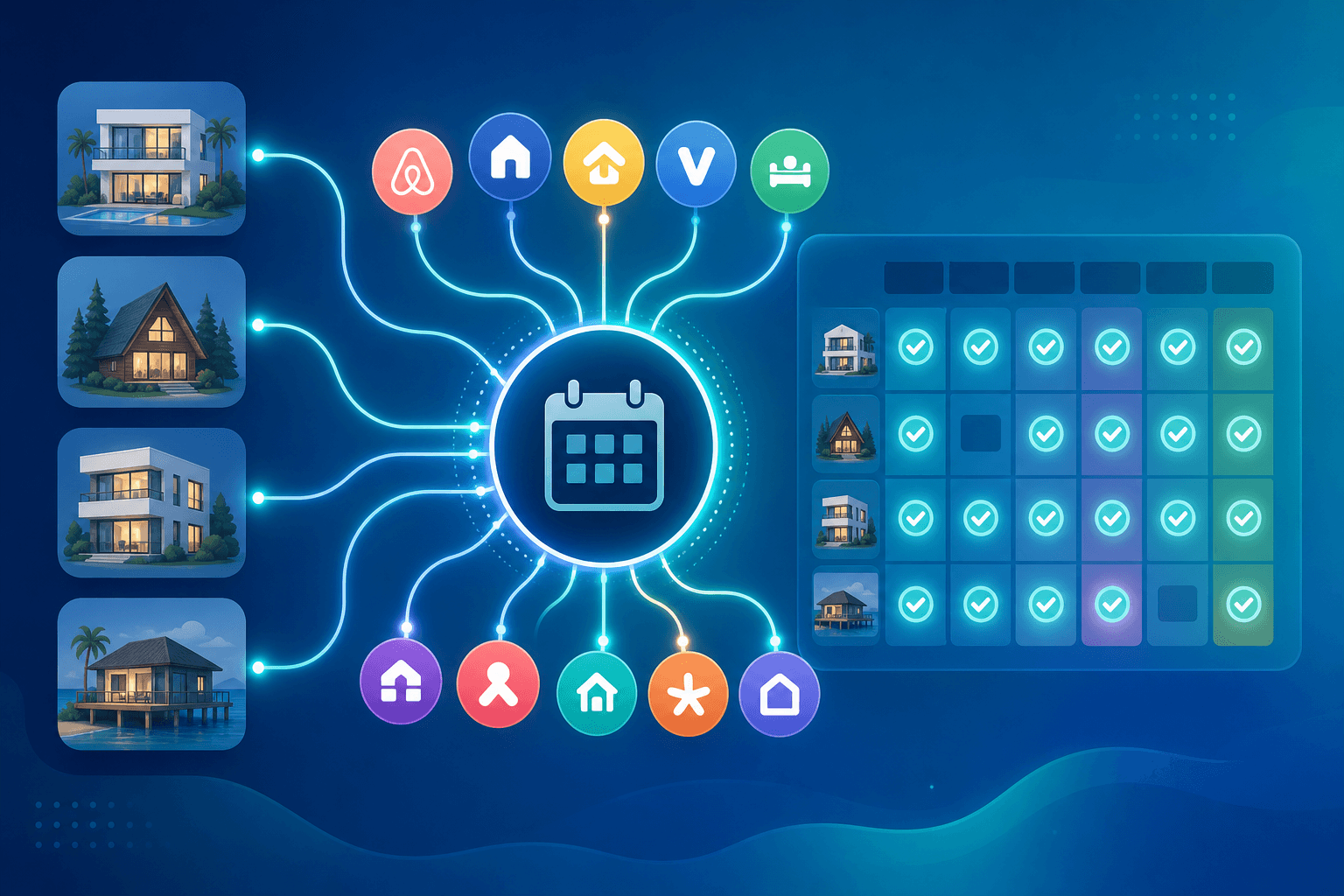
When you activate automated pricing on Airbnb alone, rate changes stay inside Airbnb. Listings on VRBO or Booking.com continue running whatever prices you last set manually. A pricing tool without a connected channel manager is a partial solution.
A rental business automation platform with real-time channel sync solves this by pushing rate updates to every connected channel the moment they're calculated. When a booking lands, all other channels block instantly, with no iCal delays or gaps.
The practical setup looks like this:
- Connect your listings across Airbnb, VRBO, and Booking.com through a single PMS so all calendars stay in sync.
- Link a pricing tool with built-in automated pricing so rate changes push to all channels simultaneously.
- Set channel-specific minimum prices where needed, since fee structures differ across channels.
- Confirm your PMS blocks availability in real time, not on a sync delay.
Automated Pricing and Your Airbnb Listing Visibility
Pricing and visibility are more connected than most hosts realize. Airbnb's algorithm tracks click-through rate and booking conversion as ranking signals, meaning a listing priced above what guests are actively booking for those dates will quietly lose ground over time, even if the listing itself is excellent.
The practical effect: a property sitting at $350/night when comparable listings are filling at $280 will see fewer clicks, fewer bookings, and a gradual slide in search position. Lower visibility then compounds the original problem, making it harder to fill even at a reduced rate later.
The tradeoff is real. Pricing aggressively to maintain search position can mean leaving revenue on the table during high-demand windows. The goal is staying within the range guests are actually converting on for those specific dates. During a local event weekend, that range moves upward across the board, and pricing to match it protects both revenue and visibility simultaneously. Letting Smart Pricing or a third-party tool track that range daily is what keeps you from guessing manually.
How Andora Handles Automated Pricing for Luxury Short-Term Rentals
For most hosts reading this far, the logical next step is connecting a pricing tool to a channel manager and configuring both to work in sync. Andora skips that setup entirely.
Automated rate pricing is built into Andora's property management system at no cost, updating nightly rates daily across all five connected channels: Airbnb, VRBO, Booking.com, Marriott Homes and Villas, and the Rove Travel marketplace. When a booking lands on any channel, all others block instantly.
For luxury hosts, pricing strategy extends well beyond Airbnb. Rove Travel, exclusive to Andora, carries an average booking value of $30,324. A rate floor that makes sense for Airbnb volume may undercut what high-paying Rove Travel guests would readily accept.
Where standalone tools like PriceLabs or Beyond cost $15 to $20 or more per listing monthly, Andora is free for qualifying luxury properties. For more insights like this, check out the Andora blog. Calendar sync and revenue analytics come included from day one with no card required.
Final Thoughts on Airbnb Pricing Tools and Strategy
Pricing is one of those things that looks simple until you see how much it moves around. Smart Pricing covers the basics for free, but hosts managing multiple listings or high-value properties tend to outgrow it quickly. Whichever tool you use, getting your base price and floor right first will make everything else work better.
FAQ
Airbnb Smart Pricing vs PriceLabs: which one should you use for your rental?
Airbnb Smart Pricing is the right call if you have one listing, low seasonal variance, and no plans to list on other channels. It's free and requires almost no setup. PriceLabs at $19.99 per month per listing gives you multi-channel demand data, lead-time curves, and event detection that catches booking spikes before Smart Pricing does, making it worthwhile once you're managing more than one property or seeing notable seasonal swings.
How do I sync my vacation rental calendar across Airbnb, VRBO, and Booking.com automatically?
A property management system with real-time API sync is the most reliable method: when a booking lands on any channel, all other calendars block instantly with no iCal delay. iCal-based syncing is available but introduces gaps of up to several hours, which leaves you exposed to double bookings during high-demand windows.
Is Airbnb Smart Pricing too low for new listings or luxury properties?
Yes, in both cases. New listings have no booking history, so the algorithm defaults conservative and routinely prices 20 to 30% below comparable listings until it builds confidence. Luxury properties face a different problem: Smart Pricing pulls rates toward nearby mid-tier comps, which undercuts positioning and can attract the wrong guests instead of filling the calendar at the right price point.
What's the best free Airbnb automated pricing tool for hosts who want multi-channel coverage?
Most free options only cover Airbnb. Andora includes built-in automated rate pricing at no cost across five channels: Airbnb, VRBO, Booking.com, Marriott Homes and Villas, and Rove Travel, with daily rate updates and real-time calendar sync, which is something paid tools like PriceLabs and Beyond require separate channel manager subscriptions to replicate.
How do I set the right minimum price before turning on Airbnb Smart Pricing?
Search for comparable listings in your area with the same bedroom count and similar amenities, and look at their weeknight rate during a neutral demand period. Set your Smart Pricing minimum about 10 to 15% below that number to give the algorithm room to fill gaps, and set your maximum at a rate you would genuinely accept on a high-demand night. Your minimum should reflect operating costs (cleaning fees, supplies, commissions), not your target rate.
Next up

Guesty Alternatives For Luxury Home Hosts (October 2026)
Best Hostaway Competitors & Alternatives, October 2026
Your property management software shouldn't charge extra for the features you actually need. We compared seven Hostaway alternatives on price, automation, and add-on fees, and one of them costs $0 and runs the busywork for you. Which one fits your setup?

Top Hostfully Competitors to Try in 2026
Hostfully's add-ons and messaging-only AI can leave you paying more for less. We compared seven alternatives, from Guesty to OwnerRez, to find which ones actually automate your operations. One is free and unlocks a luxury booking channel no other PMS offers.