
Self Check-In for Airbnb: Locks, Codes & Automation | November 2026
Your guest is standing outside at 11pm, your lockbox has no photo, and your door code went out three weeks too early. Self check-in only works when the lock, the instructions, and the timing all line up. Here's how to set up all three so arrivals run without you.
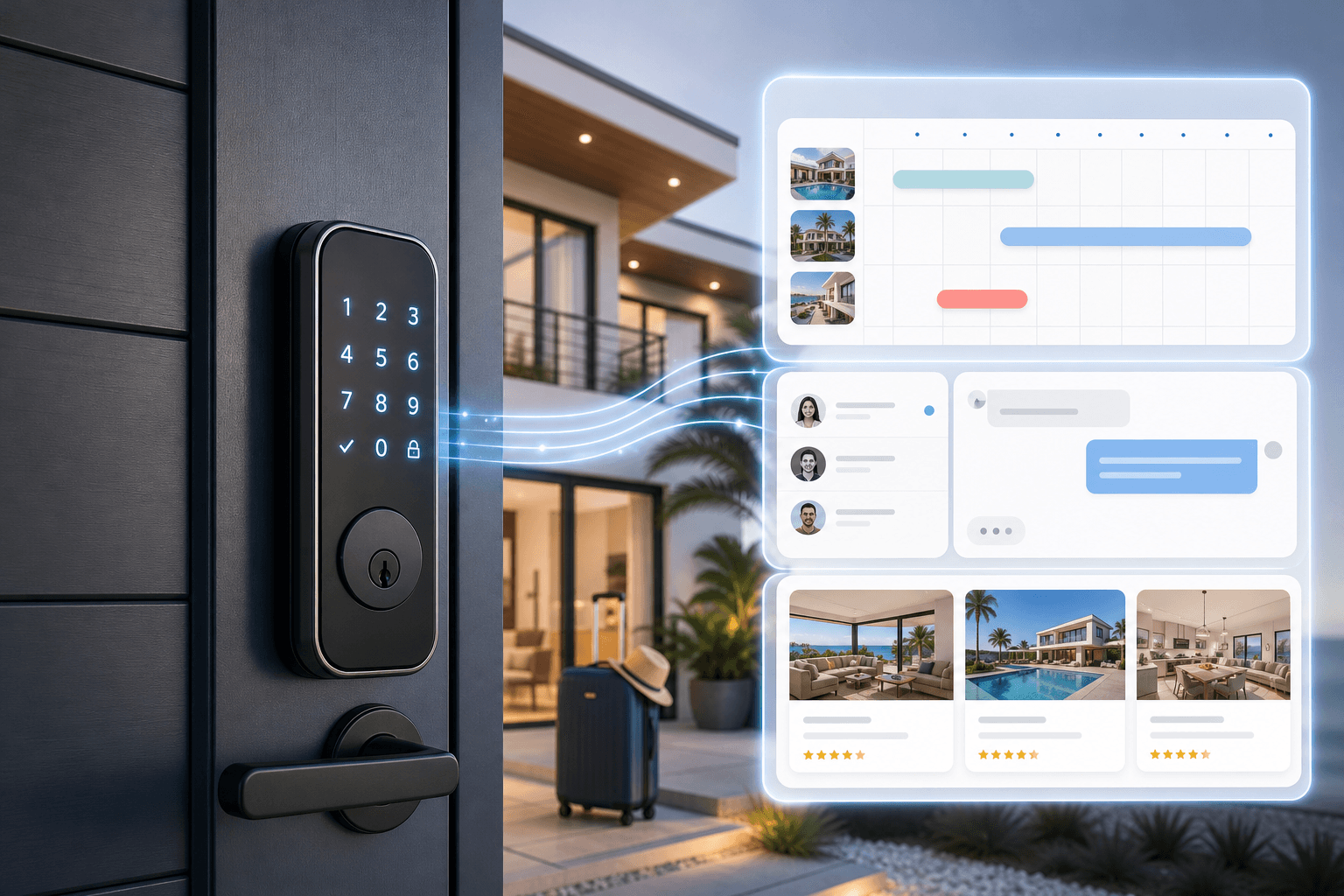
There's a big difference between having self check-in on your Airbnb listing and having it actually work. A lockbox with no photo, a door code sent too early, or a smart lock with no backup plan all lead to the same thing: an annoyed guest standing outside, texting you frantically. Here's what a solid self check-in setup actually looks like, from the lock on the door to the message that lands in your guest's inbox.
TLDR:
- Airbnb self check-in lets guests enter without a host present, using smart locks, keypads, or lockboxes
- Listings without self check-in won't appear when guests use Airbnb's self check-in filter
- Smart locks ($150 to $300) automate code rotation per booking; lockboxes ($30 to $80) require manual resets
- Your check-in instructions should include parking, exact lockbox location, Wi-Fi, and an escalation contact
- Andora's Check-in/Check-out Agent sends door codes and handles early arrival requests automatically
What Is Airbnb Self Check-In?
Airbnb self check-in means guests let themselves into a property without meeting the host face-to-face. No key handoff, no coordinating arrival times, no waiting around. Guests receive access instructions ahead of their stay and enter on their own schedule.
From the host's side, self check-in removes the need to be physically present at every arrival. A guest might show up at 11pm on a Tuesday, and the whole process runs without anyone needing to be there. Access is granted through a code, a lockbox, a smart lock, or an app.
Airbnb currently supports several check-in methods: smart locks, keypads, lockboxes, building staff, in-person greeting, or a custom option. Guests see which method a listing uses before booking, but specific access codes only become visible 48 hours before check-in.
According to Airbnb's 2024 data, over a million guests check into an Airbnb every day, and a smooth, independent arrival is now a standard part of that experience.
Why Self Check-In Benefits Both Hosts and Guests
Self check-in has become a default expectation for many travelers, and the reasons are straightforward on both sides.
For hosts, the clearest win is scheduling freedom, especially when paired with tools like a channel manager for vacation rentals. A guest arriving late from a delayed flight handles it themselves. There's also a search visibility angle: Airbnb lets guests filter listings for self check-in, so hosts without it won't appear in those results.
For guests, the appeal is control. No awkward timing negotiations, no waiting around, no coordinating with a stranger after a long travel day.
- No physical presence required at arrival
- Opens access to Airbnb's self check-in filter
- Arrive on your own schedule with no dependency on host availability
According to Airbnb's Global Quality Report, ease of check-in is one of the quality factors that affects listing ratings.
Airbnb Check-In Methods Compared
| Method | How It Works | Hardware Needed | Best For |
|---|---|---|---|
| Smart lock | Guest uses a unique code or app to open a Wi-Fi-connected lock | Smart lock + Wi-Fi hub | Hosts managing multiple properties remotely |
| Keypad | Guest taps a code into a standalone electronic lock | Keypad lock | Budget-friendly keyless entry without app dependency |
| Lockbox | Guest opens a small wall-mounted safe to retrieve a physical key | Lockbox + key | Properties where door replacement isn't possible |
| Building staff | A staff member grants access 24/7 | None (staffing required) | Apartment buildings with on-site management |
| In-person greeting | Host or co-host meets guest to hand over keys | None | Hosts who prefer a personal welcome |
Each method is listed in Airbnb's official check-in settings, and guests see which one a listing uses before booking. Smart locks offer the most flexibility, since codes can be generated and expired remotely per booking. Lockboxes are the simplest setup but add one more step for the guest. For most independent hosts without on-site staff, the choice comes down to smart lock versus lockbox.
Smart Locks for Airbnb: What to Look For
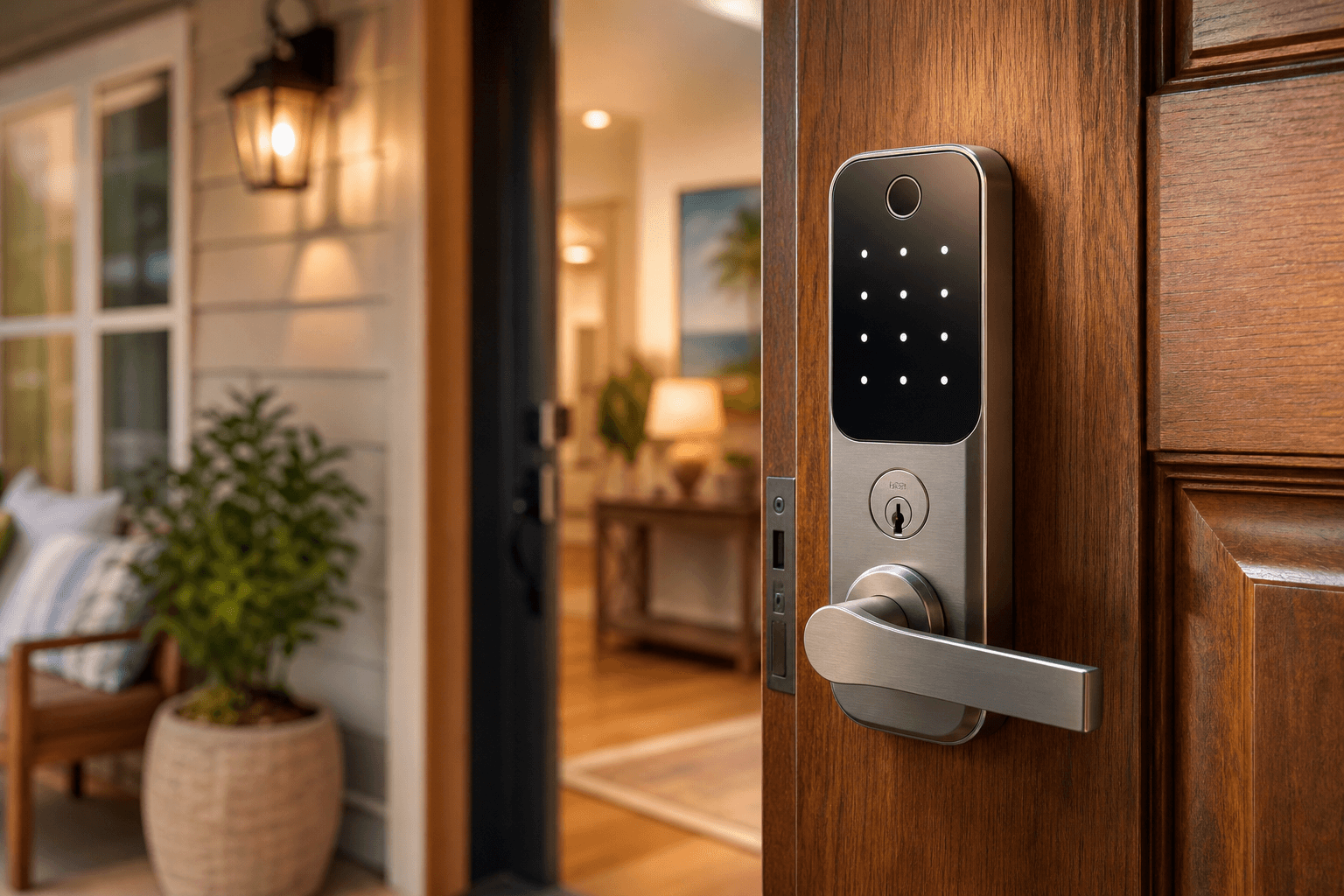
A standard smart lock built for a homeowner and one built for a short-term rental look similar on the outside. The difference shows up at 2am when a guest is locked out and you're asleep.
According to Gleamsync's breakdown of vacation rental smart locks, five features actually matter for Airbnb hosting:
- Remote code management so you can generate and delete codes from your phone without touching the lock
- Unique per-guest codes that expire automatically at checkout
- Reliable Wi-Fi or Bluetooth connectivity that holds when you need it most
- Physical key backup for when batteries die or Wi-Fi goes down
- PMS integration so codes sync with bookings automatically
Without PMS integration, you're still manually creating codes for each reservation, which is one reason hosts compare property management software for Airbnb. With it, a new booking triggers a new code that expires the moment checkout ends.
Lockbox vs. Smart Lock: Which Is Right for Your Property
Both options work. The right answer for you is how much you want to manage manually versus how much you want automated.
Lockbox
A basic wall-mounted lockbox runs $30 to $80. No Wi-Fi required, no app, no hub. The guest dials a code, retrieves the key, and walks in. Where lockboxes fall short is code management: you typically change codes manually between guests, which means updating your instructions every single time. Miss a rotation and a previous guest still has access.
Lockboxes suit hosts with one property, infrequent bookings, or buildings where drilling for a smart lock isn't possible.
Smart Lock
A decent smart lock for vacation rentals costs $150 to $300, plus potentially a Wi-Fi bridge. Codes can be managed remotely, generated per booking, and set to expire automatically at checkout. No manual resets, no forgotten rotations.
The tradeoff is Wi-Fi dependency. In areas with spotty connectivity, a lock that can't phone home becomes a problem fast, which is why a physical key backup matters regardless of your choice.
| Factor | Lockbox | Smart Lock |
|---|---|---|
| Upfront cost | $30-$80 | $150-$300+ |
| Code rotation | Manual | Automated |
| Wi-Fi required | No | Yes (usually) |
| PMS integration | No | Yes |
| Guest experience | One extra step | Fully keyless |
For hosts with multiple properties or back-to-back bookings, pairing a smart lock with Airbnb management software removes manual rotation entirely.
How to Add Self Check-In Instructions on Airbnb
Go to your Listings, select the property, open the Listing editor, click Arrival guide, choose your check-in method (smart lock, keypad, lockbox, etc.), add your step-by-step instructions, then save. The Airbnb mobile app follows the same path through your listing settings. Some hosts prefer to hand off this setup entirely to Airbnb management companies instead of configuring it themselves.
One timing detail worth knowing: guests can see which check-in method a listing uses before they book, but the actual instructions, including any door codes or lockbox combinations, only become visible 48 hours before check-in. Airbnb sends the instructions automatically at that point, so there's no need to message guests manually each time.
What to Include in Your Airbnb Check-In Instructions Template
A complete check-in guide has less to do with length and more to do with covering the right details in the right order. Someone arriving at night with low phone battery needs answers fast, not a wall of text.
Here's what every solid Airbnb check-in instructions template should include:
- Full property location with any unit number or gate code needed to reach the door
- Parking instructions, including which spots are yours and what happens if they're taken
- Step-by-step entry process (unlock the lockbox, take the key, use it on the door with the handle lifted)
- Wi-Fi name and password, ideally near the top since guests ask for it immediately
- A brief house rules reminder covering noise, checkout time, and anything guests commonly miss
- Emergency contact info and what counts as an emergency worth calling about
Timing matters as much as content. A short pre-arrival message the day before, followed by the full instructions the morning of check-in, keeps the right information arriving at the right moment. Airbnb releases your instructions automatically 48 hours before check-in, so your pre-arrival message can be brief and conversational.
Write instructions for someone who has never visited the property and is reading them on a phone screen in the dark, a process that good short-term rental software can help standardize. "Turn left at the blue gate" beats "turn left near the entrance" every time.
Common Self Check-In Mistakes and How to Avoid Them
Most check-in problems come from a small set of fixable mistakes that repeat across thousands of properties.
Here are the ones worth getting right before your next guest arrives:
- Sending instructions too early. A wall of text three weeks before arrival gets lost. Guests need details when they're actually traveling, not when they're still planning.
- No photos of the lockbox or door, and unclear lockbox location. "The black box near the door" means nothing to someone in an unfamiliar neighborhood at night. A photo of the exact location removes all guesswork. On that note, "on the porch" is not a location. Left side of the front door, mounted at waist height, behind the railing is.
- Missing parking details. Guests ask about parking more than almost any other check-in topic. If your instructions don't name the exact spot, expect a message.
- Skipping the escalation path. What should a guest do if the code doesn't work? Even one line covering who to contact and when prevents panicked calls.
- Dead or low lock batteries. A smart lock with a dying battery will fail at the worst possible moment. Monthly checks cost nothing.
Fix these six points and the late-night "we can't get in" message mostly disappears.
How to Automate Airbnb Check-In and Check-Out Logistics
Static instructions are a starting point. Learning to automate your short-term rental is what actually removes check-in from your weekly task list.
The core of an automated check-in workflow is a trigger chain tied to each booking. A new reservation fires a pre-arrival message sequence, generates a unique door code, and schedules a checkout reminder, all without you touching anything. When the booking ends, the code expires automatically. No manual resets, no forgotten rotations between guests.
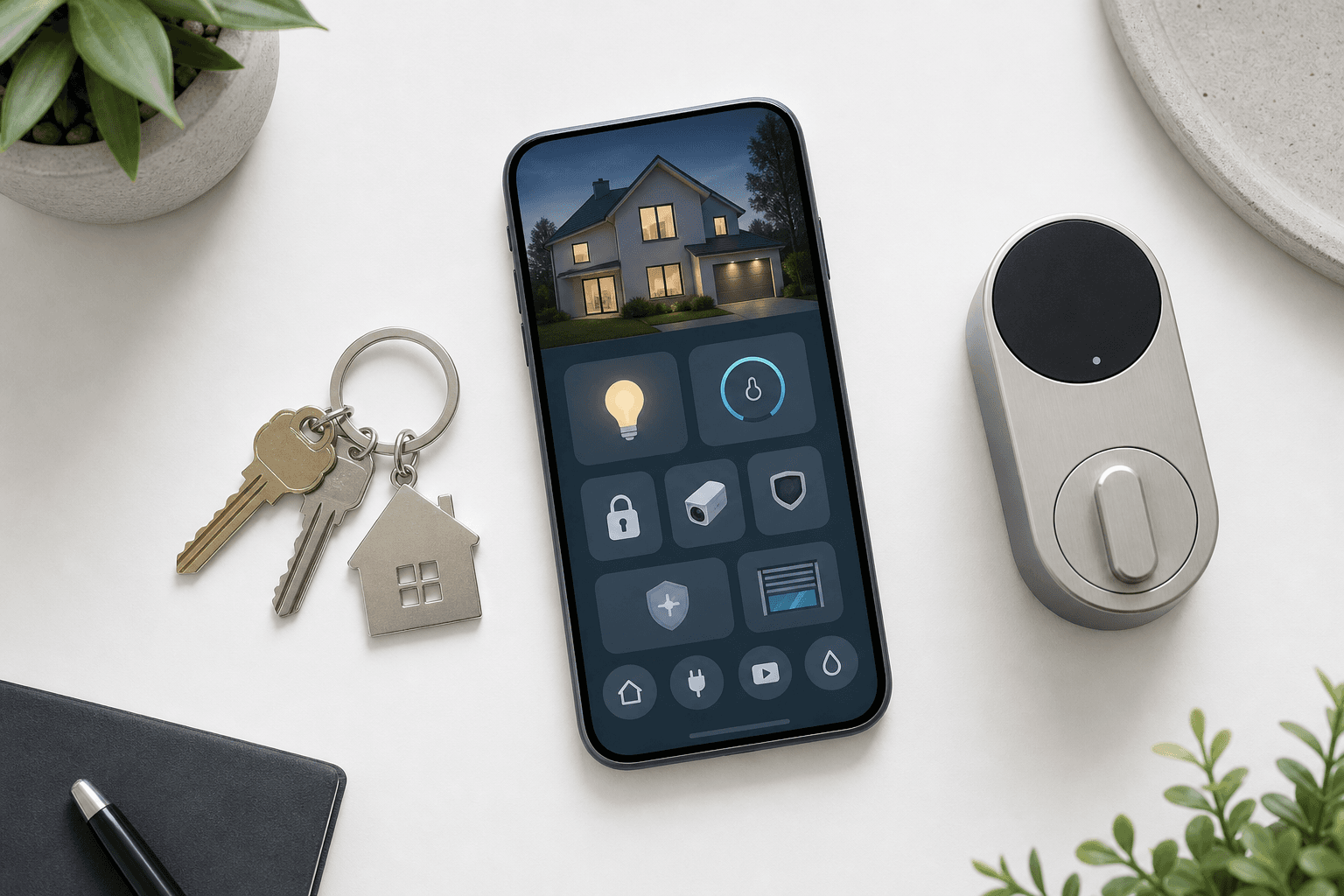
Here's what a complete automated sequence typically looks like:
- Booking confirmed: guest receives a welcome message with general arrival info
- 48 hours before check-in: full instructions sent with door code, parking details, and Wi-Fi
- Day of check-in: a short "you're all set" reminder with just the essentials
- Day of checkout: reminder of checkout time and any specific steps (lock the door, leave the key, etc.)
- After checkout: review request sent automatically
Smart lock integrations make door code management hands-free. When a lock connects to a property management system, each confirmed booking triggers a new code that's active only during the guest's stay. No overlap with previous guests, no codes that live forever.
Rules-based systems handle the gray areas too. An early check-in request at 10am can be automatically approved or declined based on whether a turnover cleaning is scheduled, without you reviewing it manually. The same logic applies to late checkout. You set the limits once; the system handles every request against them.
Self Check-In Regulations and Local Restrictions to Know
Self check-in works differently depending on where your property sits. Before buying a smart lock or mounting a lockbox, confirm that your local rules actually allow it.
Regulation of short-term rentals has tightened in several markets, and access methods have been pulled into that conversation. As noted by eviivo's breakdown of self check-in regulations, several French cities including Paris, Nice, and Lille have introduced restrictions on certain forms of self check-in, driven by broader concerns about short-term rental volume in high-tourism areas.
If you plan to self-manage your Airbnb, a few things to check before committing to any setup:
- Local short-term rental ordinances or licensing requirements, since some jurisdictions require in-person ID verification that makes unattended arrivals non-compliant
- Building management rules if you're in a condo or apartment complex
- HOA restrictions that may govern exterior hardware installations
- City-level registration requirements that govern check-in procedures
Airbnb notes that self check-in is not available in all countries, so confirming the rules first saves a costly hardware purchase that may need to come down later, the same way understanding how Airbnb automated pricing works saves hosts from costly guesswork.
How Andora Automates Self Check-In for Airbnb Hosts
Andora's Check-in/Check-out Agent (currently in Beta) manages arrival and departure automatically within whatever rules you set: it approves or declines early arrivals and late checkout requests, sends door codes and directions to guests without host input, and answers access questions at any hour.
The Guest Concierge agent runs alongside it, resolving 9 in 10 guest messages automatically. Parking questions, Wi-Fi details, entry codes, checkout steps all get answered before they become a late-night text to you.
Andora is free for qualifying luxury hosts, so the full automation stack costs nothing to run, making it just as useful for hosts running Airbnb rental arbitrage.
Final Thoughts on Making Airbnb Self Check-In Work for You
Self check-in works best when you treat it as a system, beyond a feature you toggle on. Good instructions, a reliable lock, and a bit of automation cover most of what guests need before they ever have to ask. Set it up once, test it like a guest would, and it mostly runs on its own from there.
A good starting point: audit your current check-in instructions against the checklist in this post. If you can't answer where the lockbox photo is, what a guest does when the code fails, or exactly which parking spot is theirs, those are the gaps most likely to generate a late-night message. Fix those first, then layer in automation once the basics are solid.
FAQ
What does self check-in mean on Airbnb, and how does it work?
Airbnb self check-in means guests access the property on their own without meeting the host, using a smart lock, keypad, lockbox, or building staff. Guests can see which check-in method a listing uses before booking, and the actual door code or lockbox combination becomes visible in the app 48 hours before arrival.
Smart lock vs. lockbox for Airbnb self check-in: which should I use?
A lockbox ($30 to $80) works without Wi-Fi but requires you to rotate the code manually between every guest. A smart lock ($150 to $300+) generates unique codes per booking and expires them automatically at checkout, removing manual resets entirely. For hosts with multiple properties or frequent back-to-back bookings, a smart lock with property management system integration is the more reliable choice.
How do Airbnb hosts automate check-in and check-out logistics?
The most reliable approach ties a trigger chain to each confirmed booking: a welcome message fires automatically, a unique door code is generated, the full instructions go out 48 hours before arrival, and the code expires at checkout without any manual step. Property management tools like Andora handle this end-to-end, including auto-approving or declining early check-in requests based on cleaning schedules you define once.
How do I write Airbnb check-in instructions that actually prevent guest problems?
Lead with the property location, parking details, and step-by-step entry process, then include the Wi-Fi password and a brief house rules reminder. Add a photo of the lockbox or keypad location instead of describing it in text, and include one clear line on who to contact if the code fails. Keep the full instructions for the day of arrival; sending them weeks early means guests won't find them when it matters.
When do guests get the lockbox code or door code for an Airbnb?
Airbnb releases check-in instructions, including any door codes or lockbox combinations, 48 hours before the scheduled check-in time. The instructions appear automatically in the app, so hosts don't need to send codes manually for each booking as long as the arrival guide is set up correctly in the listing settings.
Next up
Setting Late Checkout Fees: November 2026 Guide
Your cleaner loses two hours the moment a guest lingers past 11 a.m., and Airbnb has no built-in field to charge for it. Get the fee amount right, document it before the overstay, and know when waiving it is the smarter play.
Airbnb Management Companies Reviewed: November 2026
Your Airbnb manager could be taking up to $35,000 a year from a $100K property. We compared six management companies on fees, automation, and booking reach to see who earns their cut. Only one charges no commission at all.
Airbnb Turnover Cleaning Automation Guide (2026)
One missed text to your cleaner can mean a three-star review and weeks of lost Airbnb visibility. Here's how to tie your cleaning to every booking, so the right person shows up on time even when plans change.