
Airbnb Digital Guidebook Guide for Hosts (November 2026)
Your guests aren't ignoring your guidebook because it's bad. They're ignoring it because it's buried. Here's how to build one they open on their phone the second they need it, plus the delivery tricks that cut your inbox down.
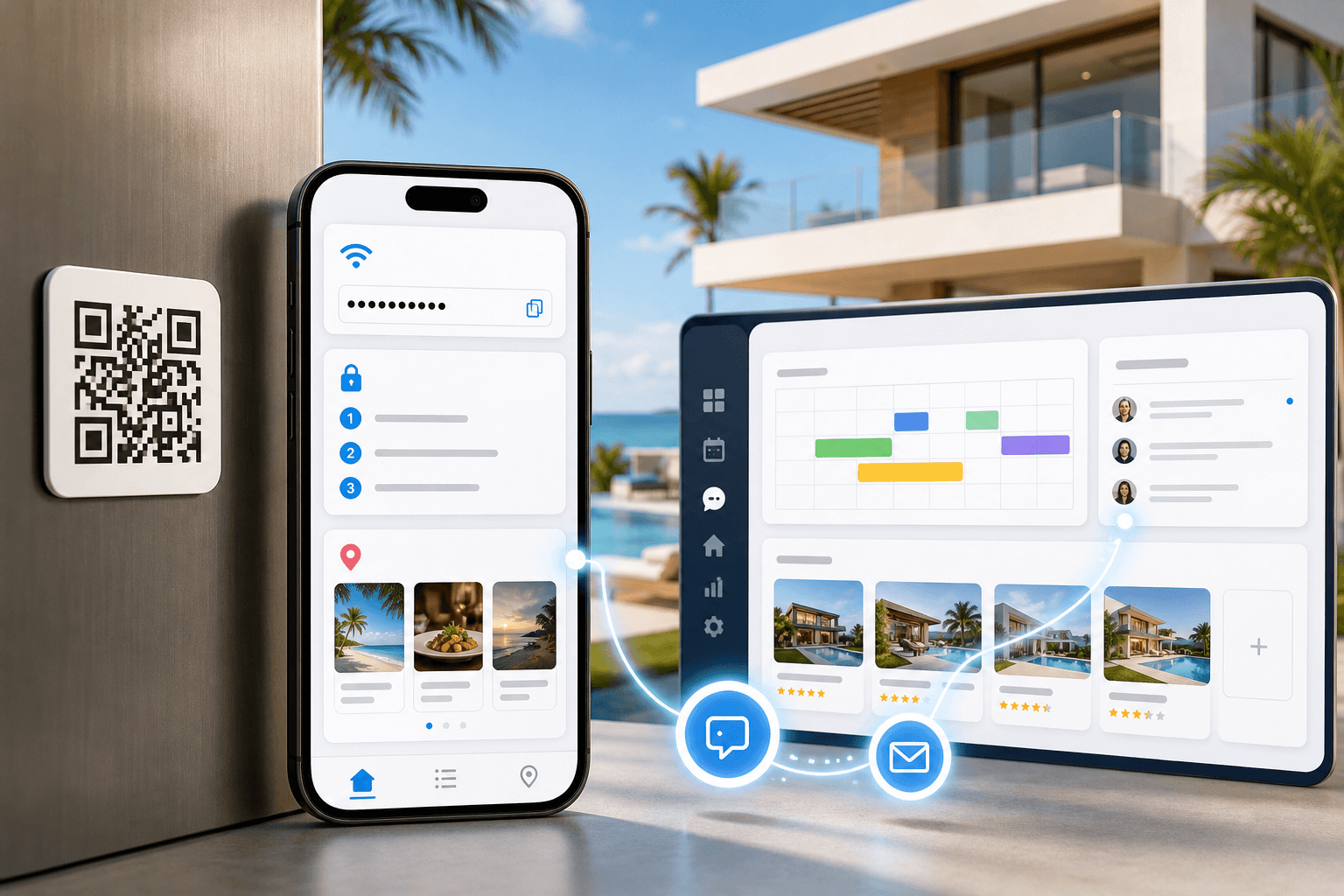
Most Airbnb guidebook advice tells you what to include, but skips the part that actually matters: getting guests to read it. A list of local restaurants does nothing if your welcome book is buried in an email from a week ago. Here's how to build something guests pull up on their phone the moment they need it.
TLDR:
- A complete welcome book cuts guest messages by 50 to 70%, according to magicbnb.io.
- Airbnb's guidebook, house manual, and welcome book are three separate things, and most hosts need all three.
- Build your guidebook in Listings > Arrival guide > Guidebooks; co-hosts cannot access or edit it.
- Send your guidebook link 24 to 48 hours before arrival and post a QR code on the fridge for best results.
- Andora automatically resolves the majority of guest messages across Airbnb, VRBO, and Booking.com in one inbox.
What Is an Airbnb Guidebook (and Why It Matters)
An Airbnb guidebook is a curated local guide you create as a host, pointing guests toward your favorite restaurants, neighborhoods, parks, shops, and attractions near your property. Hosts can build one directly inside the Airbnb host dashboard, and according to Airbnb's own help documentation, the guidebook is public, shareable outside Airbnb, and even printable.
In practice, "guidebook," "house manual," and "welcome book" get used interchangeably, even though they cover different ground. Many Airbnb management companies build all three as a standard part of onboarding new listings.
Guidebook vs. House Manual vs. Welcome Book
These three terms overlap enough to cause real confusion, so here is a plain breakdown of what each one actually is.
The Airbnb guidebook is a native feature inside your host dashboard covering local recommendations: restaurants, parks, shops, and attractions near your property. Airbnb makes it public and shareable, so guests can browse it before they even book.
The house manual is a separate field where you document how the property works. WiFi credentials, check-in steps, appliance quirks, trash schedules, parking, and checkout procedures all belong here, visible to confirmed guests through the app.
The welcome book is neither of those things exactly. It is a hosted document, physical or digital, created outside Airbnb that combines property how-to content and local tips into one reference guests can open from a QR code or link on arrival.
| Document | Where It Lives | What It Covers | Who Sees It |
|---|---|---|---|
| Airbnb Guidebook | Airbnb dashboard | Local recommendations | Anyone on Airbnb |
| House Manual | Airbnb listing field | Property operations | Confirmed guests only |
| Welcome Book | External (link or print) | Both, combined | Guests you share it with |
Why Digital Guidebooks Outperform Printed Manuals
Printed binders get coffee-stained, ignored, or left behind at checkout. A PDF emailed at booking gets buried in a 30-message thread before the guest even arrives. Digital guidebooks solve both problems by living at a link or QR code guests can open from their phone the moment they need it.
The practical advantages stack up quickly:
- Updates happen once, instantly, across every guest who has the link
- Guests access it on any phone without downloading an app
A digital welcome book takes that further, pulling your property details and local recommendations into one mobile-friendly page. Hosts who send the guidebook link via SMS instead of email see faster opens: text messages are read within minutes, while emails often sit unread until after check-in.
What to Include in an Airbnb Guidebook
A complete guidebook covers two categories: how the property works, and what to do once guests are settled.
Property essentials
- Welcome note with your name and a contact number
- Check-in instructions: door code, key location, parking spot
- WiFi name and password (put this first, guests want it immediately)
- Checkout procedure: time, key return, what to leave on or off, plus a note on any late checkout fees guests should expect if they run over
- Appliance quick guides: thermostat, washer/dryer, TV, dishwasher
- House rules: noise hours, pet policy, smoking, guest limits
- Trash and recycling schedule and bin locations
- Emergency contacts: your number, a backup, and the nearest urgent care
Local recommendations
- Two or three restaurants you would actually send a friend to
- Closest grocery store, pharmacy, and ATM
- Parking tips and transit options beyond the property itself
- One or two nearby activities guests would not find on Google
Keep each entry to one or two lines so guests get fast answers at 10pm, not a wall of text.
How to Create a Guidebook on Airbnb
Airbnb's native guidebook tool is straightforward to set up. Here is the exact path through the host dashboard:
- Go to Listings and select the property you want to edit
- Under Listing editor, click Arrival guide
- Click Guidebooks
- Edit the title, cover photo, and choose which listings to associate with the guidebook
- Click Add to guidebook to enter places, neighborhoods, and city advice
Once built, Airbnb's help documentation confirms you can hit Share to make it accessible outside the Airbnb site, or use Preview & print to generate a hard copy for guests. Home co-hosts cannot access or edit guidebooks, since they are tied to the individual hosting account and not the listing itself.
Free Airbnb Guidebook Templates and Tools
Most free Airbnb guidebook templates fall into four categories, each with real tradeoffs worth knowing before you spend an afternoon formatting.
Canva has dozens of free welcome book templates you can find by searching "Airbnb guidebook" or "rental welcome book" in the template library. You get drag-and-drop editing, your own photos, and a downloadable PDF. The catch is that Canva files are static, so every time your WiFi password changes, you're regenerating and resharing a file.
A Word or Google Docs template works well if you prefer writing over design, a practical fit for hosts who self-manage their Airbnb property without paying for extra software. Google Docs has a sharing advantage: update the doc once and anyone with the link sees the new version automatically.
Tools like Touch Stay, Hostfully, and Hostcamp, often featured in rankings of short-term rental management software, offer free tiers or trials with mobile-friendly guidebook builders. That is a feature worth checking when you look at property management software options for Airbnb.
How to Write Each Section of Your Guidebook
Welcome message
Keep it short. Use your name, say you are glad they are there, and tell them where to find the most important thing first (usually WiFi or check-in instructions). Skip the formal "Dear Guest" opener. Write it the way you would text a friend you are trusting with your home.
Check-in instructions
Number every step. Guests read these while standing outside with luggage, often on a cracked phone screen in bad lighting. Each step should be one action: "Enter code 4821," not "You can get in by using the keypad where you will find..." If there is a quirk like a door that sticks or a keypad that times out, call it out explicitly instead of letting them find it themselves. A good smart lock self check-in setup can prevent most of these issues before guests even arrive.
House rules
Phrase rules as requests, not warnings. "Please keep music low after 10pm" reads differently than "NO LOUD MUSIC AFTER 10PM." Airbnb's updated house rules policy, effective for bookings from November 20, 2026, also bars hosts from requiring checkout chores like stripping beds or washing dishes, so double-check your language stays compliant and lean on turnover cleaning automation instead of guest chores to keep units guest-ready.
Appliance guides
Pick the three appliances that generate the most questions and write one sentence each. For anything genuinely complicated, record a 30-second video and link to it. According to bnbmastery.com, short embedded videos are the single most effective way to cut questions about smart locks or hot tubs.
Local recommendations
Share a little about why you like a place. "Best brunch (especially the house-made brioche French toast!) in the neighborhood, go on a weekday" tells guests something a star rating cannot.
Sharing Your Guidebook With Guests
Getting the guidebook built is step one. Getting guests to actually open it is a different problem.
The most reliable delivery methods:
- Paste the link directly into your Airbnb messaging thread after booking is confirmed
- Include it in an automated pre-arrival message sent 24 to 48 hours before check-in, when guests are actively thinking about the trip
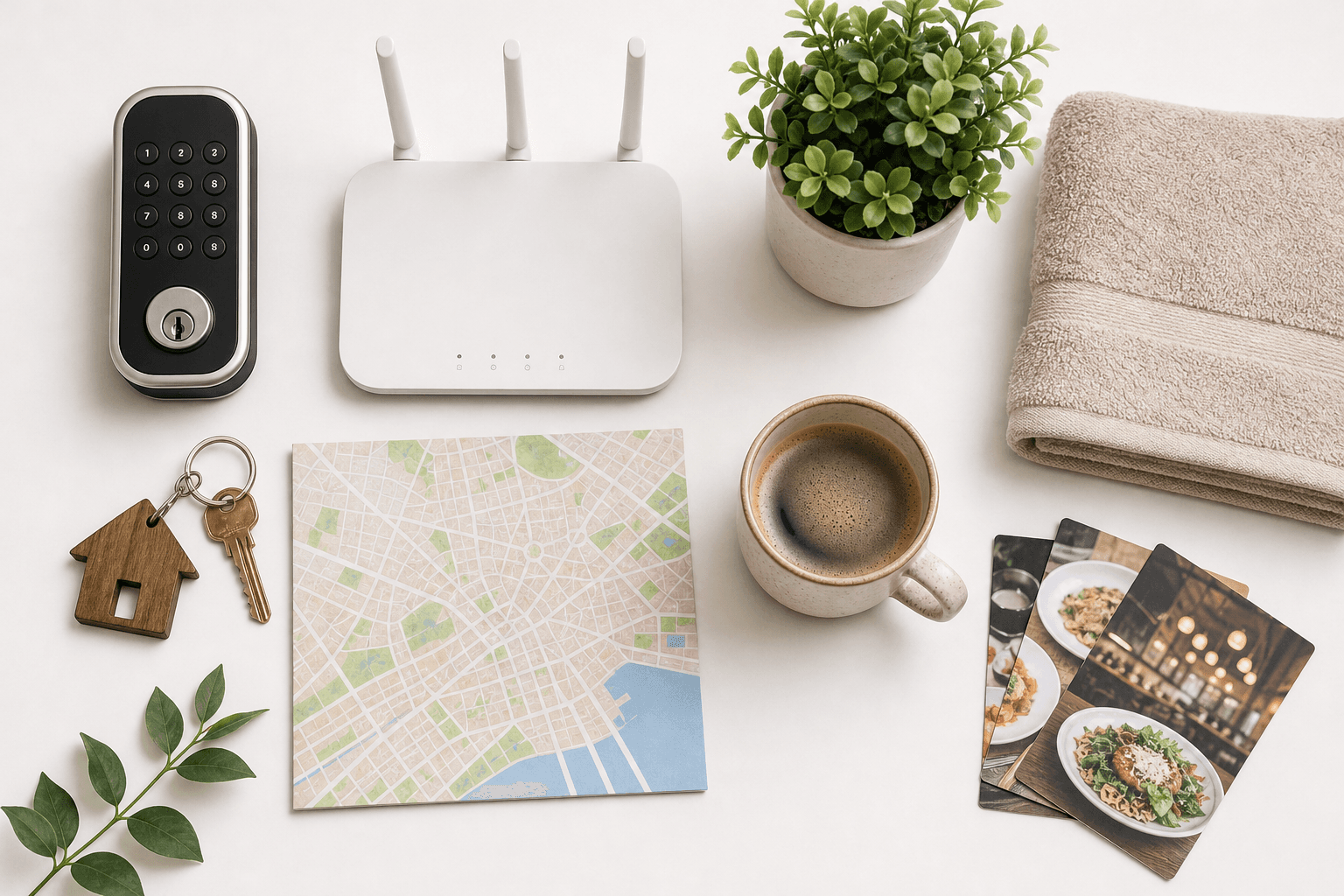
- Print a QR code and tape it somewhere impossible to miss: the front door, the fridge, or the counter near the TV
If you automate your short-term rental messaging through your Airbnb host settings or a property management tool, set the pre-arrival window as the trigger so the guidebook link goes out while guests are still packing and checking details.
A printed copy on the counter works as a backup, but keep the QR code up too, since most guests reach for their phone first. Leave it on the counter as a backup, but keep the QR code up too. Most guests will reach for their phone before they reach for a printed sheet.
Tips for Making Your Guidebook Stand Out
A basic guidebook answers questions. A good one makes guests feel like someone actually thought about their stay.
A few ways to push yours past functional:
- Add a simple property map. A hand-sketched or drawn layout showing where the fuse box is, which bin goes out on which day, or where guests should park beats a written description every time.
- Use real photos. A photo of the actual keypad on your front door removes ambiguity instantly in a way a stock image never will.
- Update seasonally. Summer parking tips, winter heating notes, holiday closures for the nearby grocery store. Guests notice when a guidebook feels current.
How Andora's AI Agents Support Guidebook-Level Guest Communication
A well-built guidebook handles the questions guests ask before they message you. Andora's Guest Concierge agent handles the ones they ask anyway, at 11pm, mid-stay, across every channel at once.
That difference matters for hosts managing listings on Airbnb, VRBO, Booking.com, and Rove Travel simultaneously, which is why choosing the best Airbnb property management software matters as much as the guidebook itself. A static guidebook lives at one link, but guest messages arrive from multiple inboxes, in real time, from guests who either missed the guidebook or have a question it did not cover. Andora pulls all of that into one unified inbox, much like a channel manager for vacation rentals centralizes bookings, and resolves the majority of messages automatically, in the host's voice, without manual intervention.
Pairing the guidebook with the Guest Concierge closes the gap between a well-built guide and a hands-off operation, with cases escalated to the host only when human judgment is needed. Setup takes minutes, there is no contract, and the full AI agent team is free for qualifying properties.
Final Thoughts on What Goes Into a Great Airbnb Guidebook
A guidebook does not need to be long to be good. Clear check-in steps, a few well-chosen local picks, and a QR code on the fridge covers most of what guests need. The more useful yours is, the less you hear from guests mid-stay.
FAQ
What should you include in an Airbnb guidebook to reduce guest messages?
A complete airbnb guidebook for guests covers two categories: property essentials (WiFi password, check-in steps, door code, appliance guides, house rules, trash schedule, emergency contacts) and local recommendations (restaurants, groceries, parking, nearby activities). Hosts who build a thorough welcome book report 50 to 70 percent fewer guest messages per stay, with appliance guides and checkout procedures being the sections most hosts underinvest in.
Digital guidebook for Airbnb vs. printed PDF: which actually gets used?
A digital guidebook wins on practicality: update it once and every guest with the link sees the change instantly, while a printed airbnb guidebook pdf requires you to regenerate and redistribute a file every time your WiFi password or parking instructions change. A QR code taped to the fridge gives guests one-tap access on their phone at 10pm, which is exactly when they need it, and printed binders tend to get coffee-stained or ignored.
How do I create a guidebook on Airbnb using the native host dashboard?
Go to Listings, select your property, open the Listing editor, click Arrival guide, then Guidebooks, and use Add to guidebook to enter places and local recommendations. Once built, Airbnb lets you share the guidebook outside the platform or use Preview & print to generate a hard copy. Note that the native tool covers local recommendations only, so check-in instructions, WiFi, and house rules need to go in the separate house manual field.
What free Airbnb guidebook template options are worth using in 2026?
Canva has free airbnb guidebook template designs you can find by searching "rental welcome book," which works well for a polished PDF, though static files need to be resent after every update. Google Docs templates solve that with a shareable link that auto-updates. For a fully digital airbnb guidebook, tools like Touch Stay and Hostfully offer free tiers where guests open a mobile-friendly link and you edit content in one place, skipping the PDF problem entirely.
How do Airbnb hosts automate check-in and check-out logistics beyond a guidebook?
A well-built digital guidebook for Airbnb handles predictable questions upfront, but guest messages still arrive mid-stay across Airbnb, VRBO, and Booking.com from guests who missed it or have questions it did not cover. Andora's Check-in and Check-out Agent automatically approves early arrivals and late checkouts within host-defined rules, sends door codes, and handles access questions around the clock, while the Guest Concierge resolves 9 in 10 messages automatically across every channel, escalating only when human judgment is genuinely needed.
Next up
Airbnb House Rules: Luxury Rental Template - November 2026
Your $500 house-rule fine stopped holding on November 20, 2026. Airbnb now treats anything outside its seven standard toggles as a polite request. Here's how to write luxury rental rules that still protect your property, plus a template you can copy.
Self Check-In for Airbnb: Locks, Codes & Automation | November 2026
Your guest is standing outside at 11pm, your lockbox has no photo, and your door code went out three weeks too early. Self check-in only works when the lock, the instructions, and the timing all line up. Here's how to set up all three so arrivals run without you.

Setting Late Checkout Fees: November 2026 Guide
Your cleaner loses two hours the moment a guest lingers past 11 a.m., and Airbnb has no built-in field to charge for it. Get the fee amount right, document it before the overstay, and know when waiving it is the smarter play.